Introduction
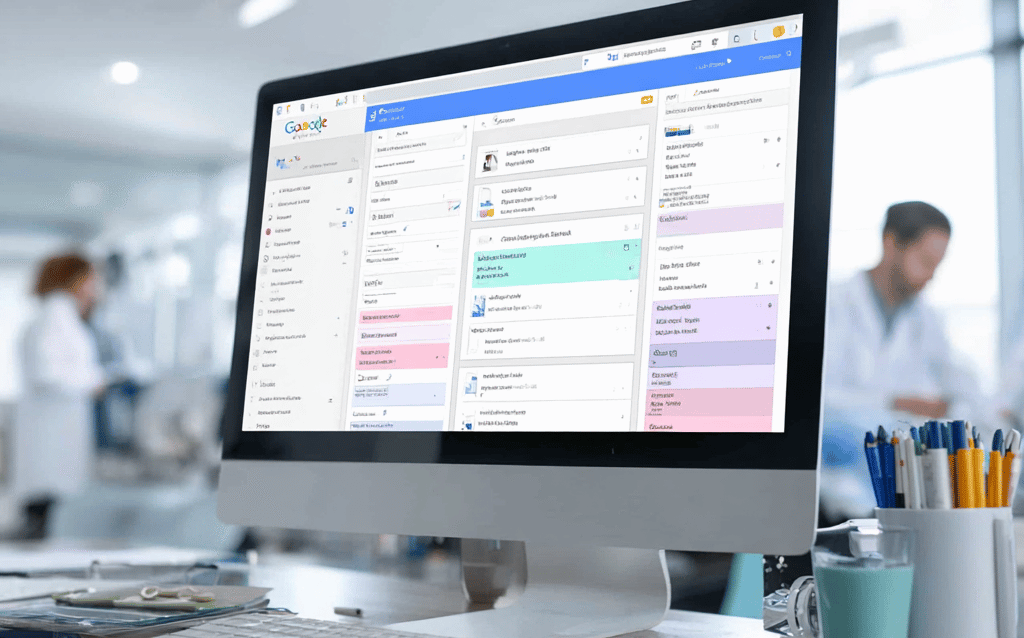
Managing a cluttered Google Drive can be a daunting challenge for dental professionals and small business owners alike. With countless files, folders, and documents, finding what you need can feel like searching for a needle in a haystack. This disorganization not only wastes valuable time but also impacts the overall efficiency of your practice or business. In a world where time is money, having a clear, structured digital filing system is crucial.
Fortunately, AI-driven solutions like LucraLab can transform how you handle Google Drive. By leveraging automation, you can achieve a streamlined organization that saves time and reduces stress.
Understanding the Challenges of Managing a Cluttered Google Drive
For many dental and small business professionals, Google Drive serves as a digital repository for essential documents. However, without a structured organization system, it quickly becomes a chaotic mess. Important documents can be misfiled or lost, creating frustration during critical moments such as patient check-ins or client meetings.
- Overwhelming number of files
- Difficulty in locating necessary documents
- Increased likelihood of administrative errors
These challenges highlight the pressing need for an automated solution to streamline file organization effectively.
Step-by-Step Guide on Using NAD Workflows to Categorize Files Automatically
Implementing automated workflows in Google Drive is simpler than you might think. Here’s a straightforward guide for professionals in the dental and SMB sectors:
- Assess your Current Structure: Review the existing folders and files to understand your specific needs.
- Define Categories: Create logical categories that reflect your business operations (e.g., patient records, invoices, marketing materials).
- Use Automation Tools: Leverage tools like NAD workflows that allow you to set rules for file categorization. For instance, automatically sort files by type or date created.
- Test and Adjust: Once implemented, monitor the system to ensure it meets your needs and adjust categories or rules as necessary.
By using these steps, you can build an organized Google Drive that saves time and enhances efficiency.
The Benefits of Streamlining File Organization for Dental and SMB Professionals
Once you have mastered Google Drive organization automation, the benefits become apparent. For dental professionals, a clear filing system ensures that patient records are accessible, reducing the chance of errors and enhancing patient care. Small businesses benefit by having essential documents at their fingertips, allowing for faster decision-making and smoother operations.
By integrating LucraLab’s AI capabilities, you can not only tackle the problem of disorganization but also improve your team’s overall productivity. Automated workflows mean that your staff spends less time managing files and more time focusing on core activities that drive growth.
Conclusion
In conclusion, navigating the challenges of a cluttered Google Drive can be daunting, but with AI-driven automation from LucraLab, this process becomes simpler and more efficient. Streamlined file organization not only reduces frustration but also enhances productivity and improves collaboration within your team. Don’t let disorganization hold your business back; take the step toward a more efficient future.
Call-to-Action
Managing a cluttered Google Drive doesn’t have to be a challenge. LucraLab offers AI-driven solutions that automate file organization, allowing you to focus on what truly matters—growing your practice or business. Take the first step toward a more organized and efficient operation.
Book a Strategy Call
Speak with a LucraLab strategist about automating your Google Drive organization to enhance your productivity.